
Get to Know Joy AI
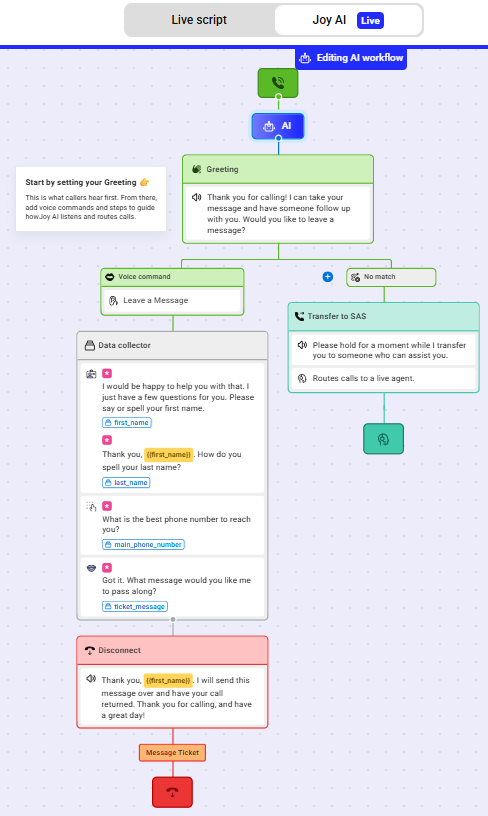
Joy is SAS's AI answering service system that works in tandem with our live operators. If Joy is activated on an account, our AI system will answer the call first and follow the workflow you've created within your online portal. Using AI, Joy can listen and gather basic details from your callers, answer general questions regarding your business, or assist callers with speaking to a live agent.
In this article we'll discuss:
Activating Joy AI
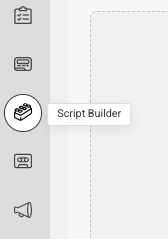

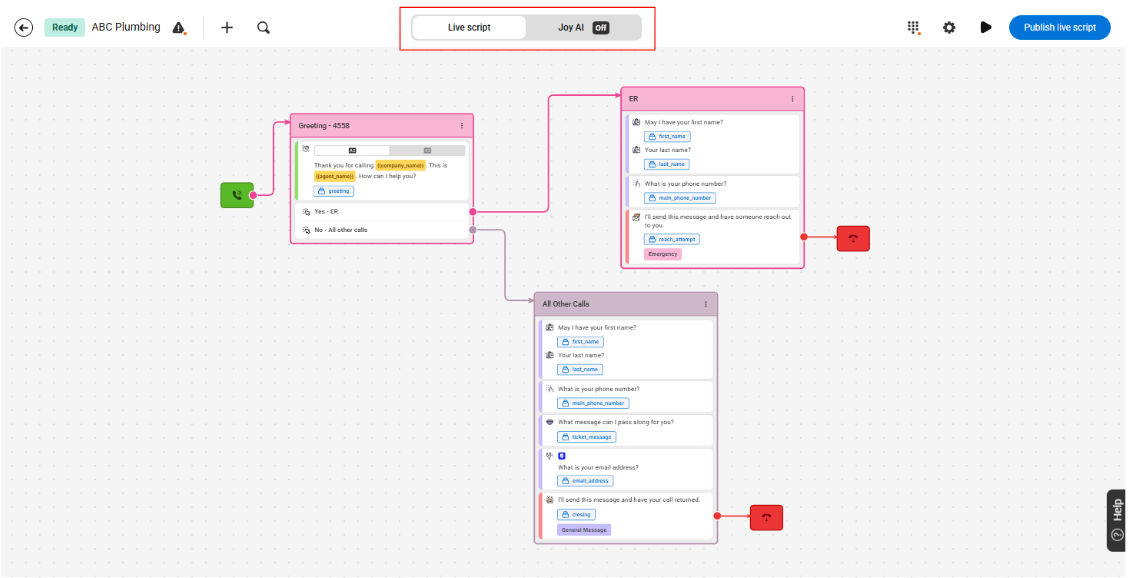
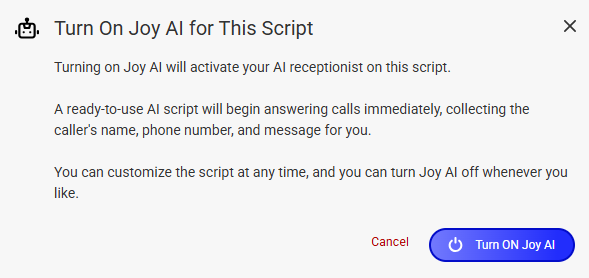
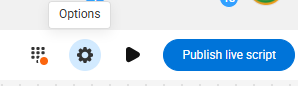
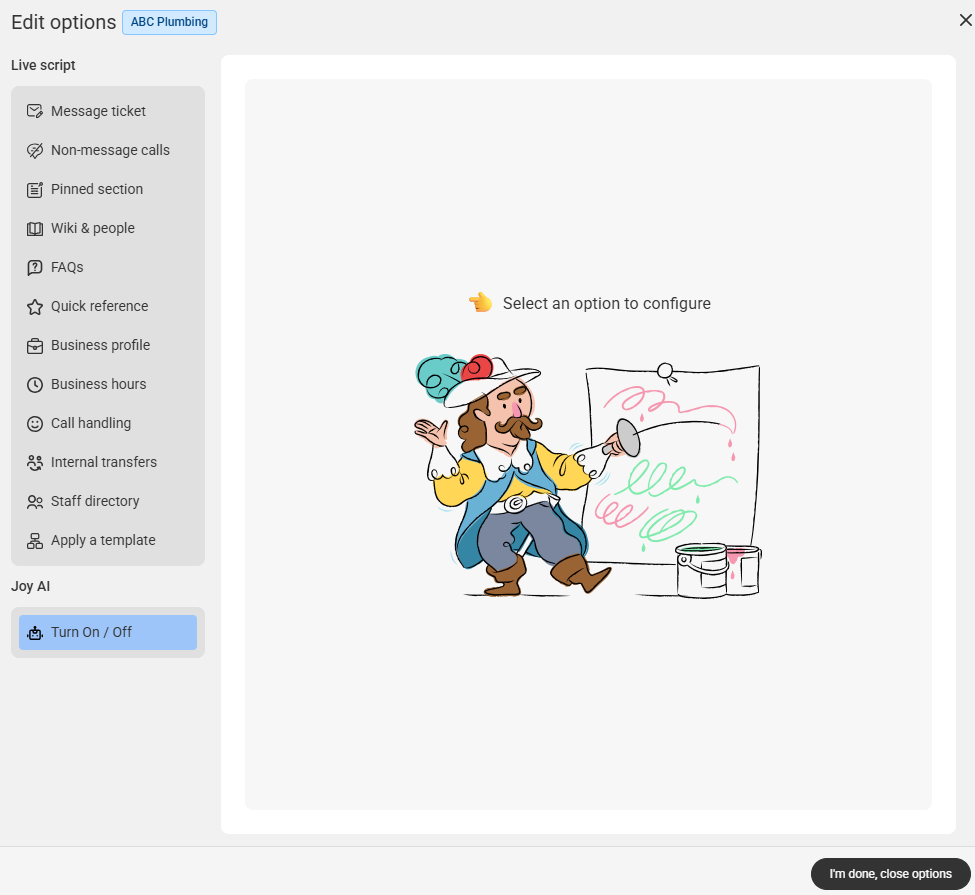
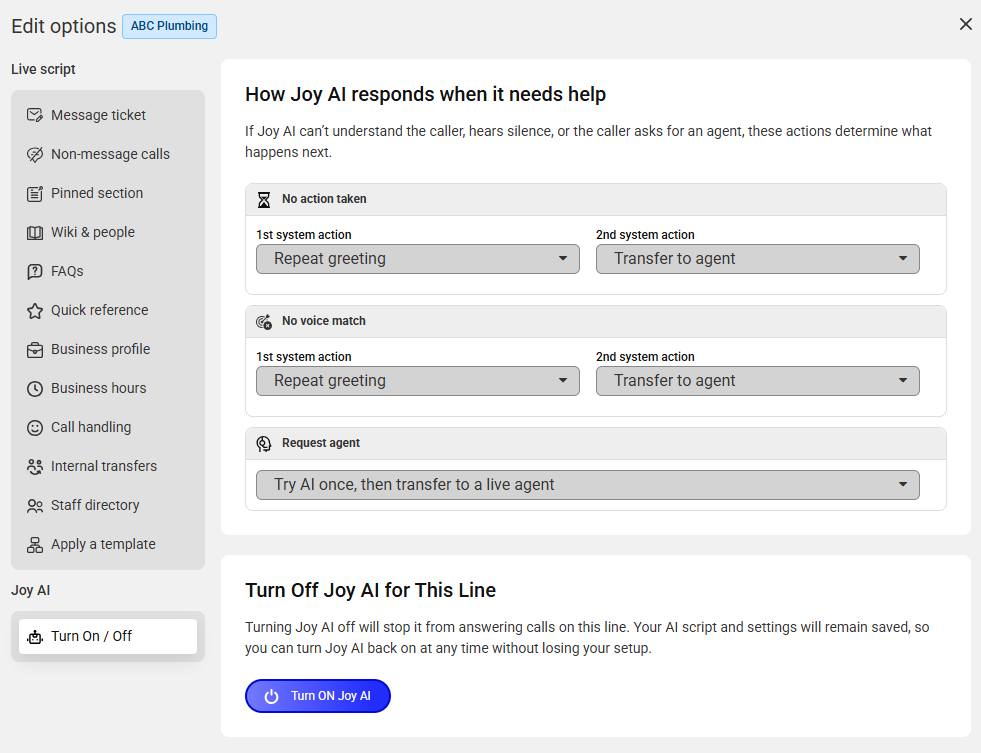
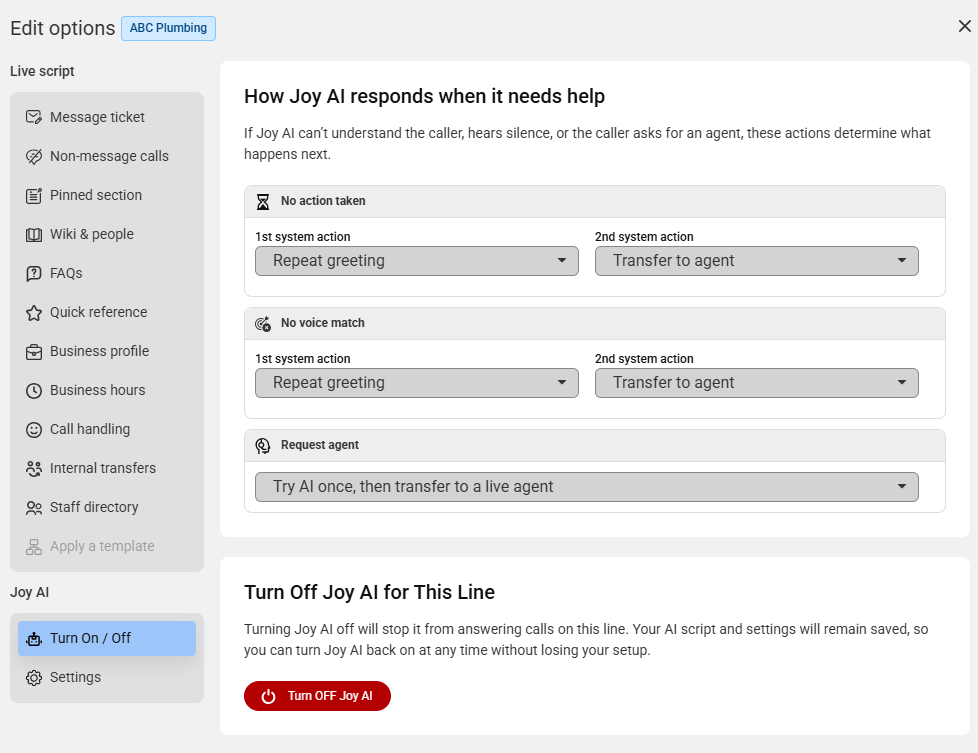
Under the Joy AI section, select Turn On/Off and then click Turn ON Joy AI
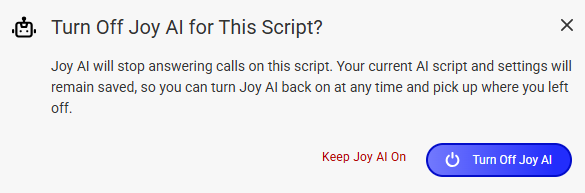
Deactivating Joy AI
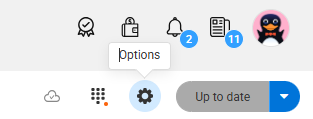
If you're no longer interested in using Joy AI, you can easily turn it off within your online portal.



Frequently Asked Questions About Joy AI
Why use Joy?
Joy offers an alternative method of communication for businesses at a more cost effective rate than live operator minutes, yet still delivers the same streamlined service callers are used to experiencing. Joy can also answer an infinite amount of calls at once, making queue times virtually non-existent.
What if callers don't want to interact with Joy?
If Joy is unable to answer a question, or if callers don't want to interact with the AI system, we’ll hand the call off to a live agent who will take it the rest of the way. If a caller hangs up on Joy, you can enable a live operator call back who will handle the call from there. If the caller hangs up after providing their name and number, that data will be saved for the agent initiating the call back. That means callers won't have to go through the stress of repeating information.
Users do not have to have any call back settings configured in order for Joy to initiate a call back.
Where can I see calls that have been handled by Joy?
Calls that have been handled by Joy will be visible in your Call Log, just like any other call handled by a live agent. Within the Call Details, the agent name will be listed as Joy. Users can also create and attach specific Outcomes for Joy, which will help make those calls stand out within the Log.
What Does Joy Cost?
When Joy AI handles a call, we bill 0.8× the talk time (20% off). For example, if you use 10 Joy AI minutes, you’re only charged for 8. For more information on Joy AI billing, check out our Joy pricing page.
Joy minutes are only billed once a call has been completed. If a caller hangs up on Joy, you will not be billed for that time. However, a live agent callback will trigger, which will incur billable usage should the recipient answer.
Can Joy answer FAQs?
Yes! As long as you have FAQs associated with your live script, Joy will be able to navigate and answer them.
Can I turn Joy on or off whenever I want? Will it affect my service?
Activating or deactivating Joy is simple to do within the SAS Flex portal and can be done at any time. Deactivating Joy will not affect your live operator service. As long as you keep forwarding calls to us, we will handle them.
Can Joy speak Spanish?
As of right now, Joy can understand and speak the following languages: English, Spanish, Portuguese, French, German, Italian, Russian, Chinese (Mandarin), Japanese, Korean, Hindi, Indonesian, and Vietnamese. To learn how to change the language Joy speaks, check out this article.
Can Joy schedule appointments or process payments?
At this point, Joy can only handle basic message taking calls. If a caller requires more advanced call handling, the call will be transferred to a live agent. As we continue developing our AI technology, Joy will be able to handle more complicated tasks.
Can Joy handle automated or lead gen calls?
No, Joy cannot handle automated calls at this time.
Is Joy trained using callers' data?
Joy does not use client caller data to train its underlying AI models. Any data collected during calls (such as transcripts or extracted information) is used strictly for providing the service (e.g., handling the interaction, logging, analytics, or integrations), and is not fed back into the model for training purposes.
Can Joy transfer calls to me?
At this time, Joy can only transfer calls to a live SAS agent.
Can Joy push data through an integration?
Yes, Joy can push data through an integration to your own software after gathering caller details. Integrations can be enabled within the Closing block, just like in a live script.
Can Joy initiate a Reach On-Call?
Yes, Joy can initiate a Reach On-Call to your staff once the call has ended, and can be activated within a Closing block.