How to Configure a Greeting Within Joy AI
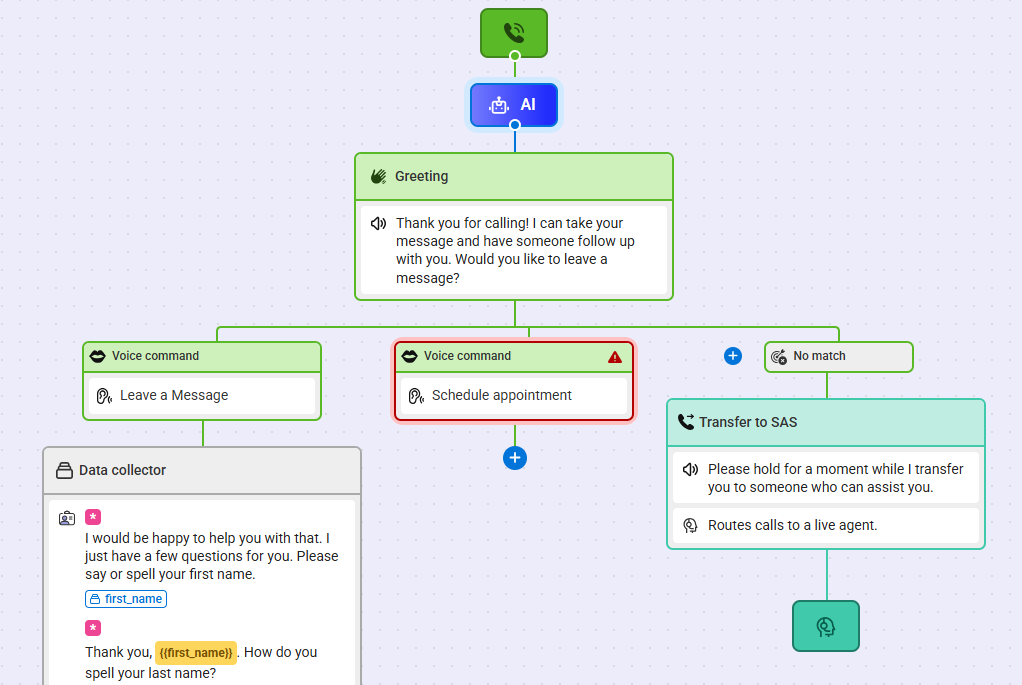
A Greeting block allows a user to customize how Joy AI will greet their callers, and will determine the flow of the call. A Greeting can be as simple as asking the caller if they want to leave a message, or it might also include driving questions that will route the call one way or another. Callers will hear any recorded greeting or IVR prompts up front, and then they'll be greeted by Joy.
By default, each Joy AI script is built with a standard greeting. However, this can be updated to match the needs of any business. In this tutorial, we'll show you how to edit a Greeting block in Joy AI. Let's get started!
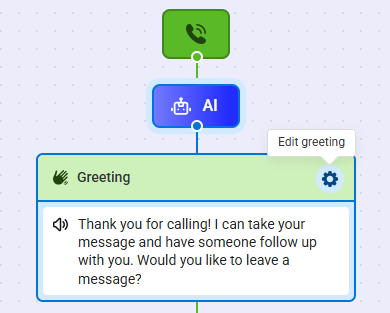
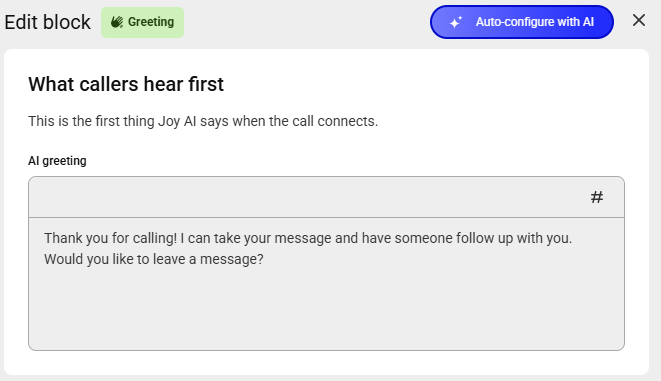
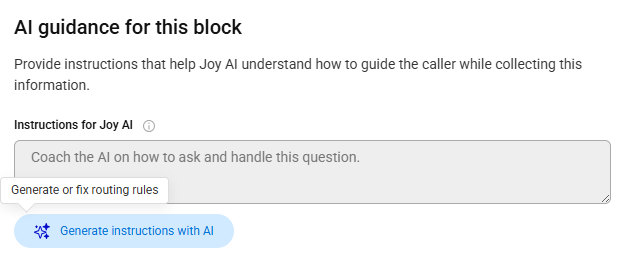
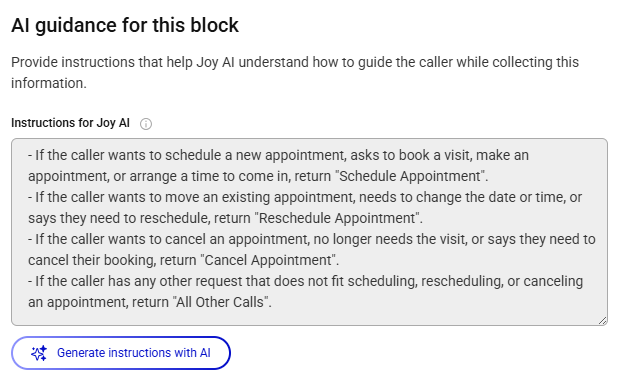
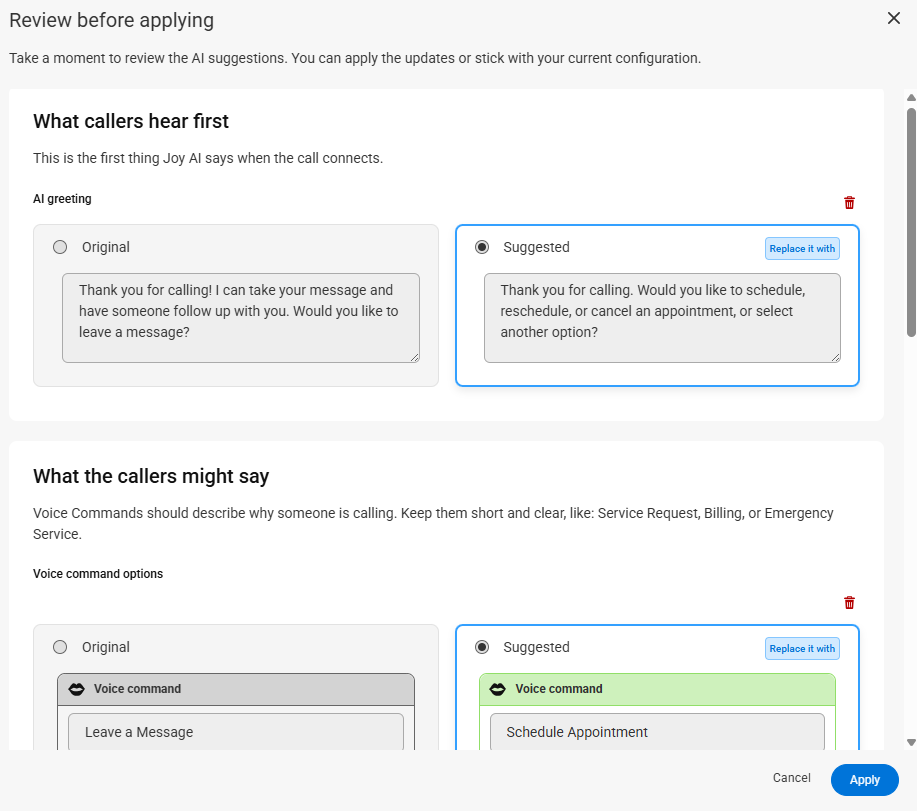
Along the top of the bump out, you can use the Auto-configure with AI button to use generative AI to create a greeting based on your existing live script. For example, if your live script is currently scheduling appointments, the generative AI will suggest a greeting that includes an option for appointment scheduling, along with suggested voice phrases that a caller might respond with.

If you decide to add more caller phrases, then each phrase will create it's own new pathway in the builder, as shown below. Each new pathway will need to be completed by adding data collectors, transfers, a closing, or additional voice commands.